Matrix rain on a Mac: every real way to get it
Published:
Search for “matrix screensaver mac” and you land in a strange little museum: GitHub projects started in 2002, Softonic mirrors, forum threads asking whether anything still runs on current macOS. The effect itself never stopped being great — the tooling around it just got scattered. So here is the whole map as of 2026, with real screenshots of each option.
One thing before the list. We make RainGlyph, a digital-rain wallpaper app for macOS, and this is its site. Several options below are free and genuinely good; if one of them fits you better, take it. The comparison stays honest either way — that seemed more useful to write than a sales pitch.
| Option | What it is | Price | Runs on |
|---|---|---|---|
| RainGlyph | Live wallpaper + fullscreen, native, Metal | $2.99 | macOS 15.2+, Apple Silicon (Intel via Rosetta) |
| Code Rain | iPhone/iPad app, plays the effect in a window | Free, Pro via in-app purchase | Apple Silicon Macs |
| Matrix.saver | True screensaver (.saver bundle) | Free | Intel + Apple Silicon |
| cmatrix | Terminal toy | Free | Any Mac with Homebrew |
| Web Matrix | Browser tab, movie-accurate, open source | Free | Anything with a browser |
Live wallpaper: rain behind your desktop icons
A wallpaper approach keeps the rain running while you work. The animation sits behind your icons and windows; clicks pass straight through, and nothing waits for your Mac to go idle. This is the mode people usually picture when they say they want “the Matrix on my desktop” — and it’s the one macOS gives you no native way to do.
RainGlyph — $2.99, ours
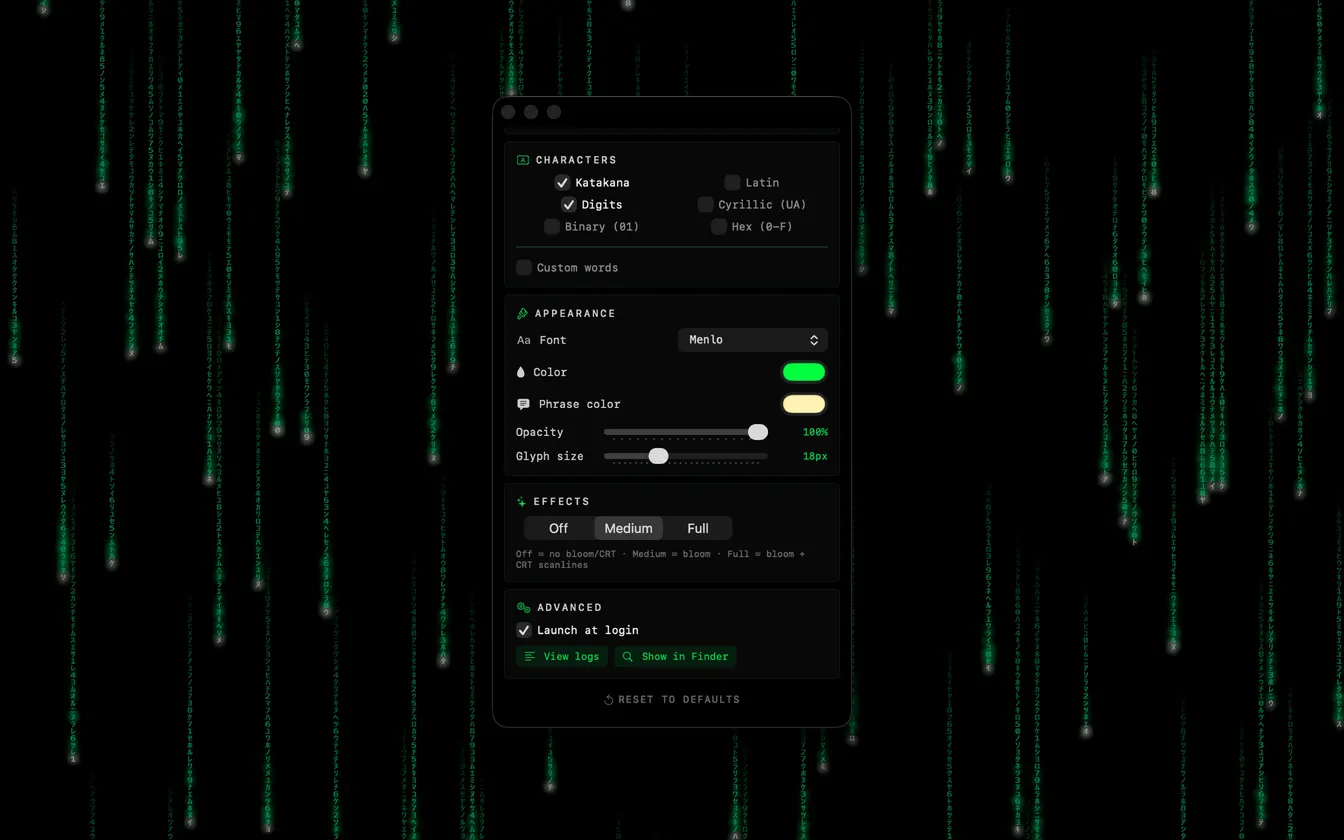
RainGlyph is a menu-bar app with two modes: wallpaper (behind the icons) and fullscreen (Esc to leave). It renders through Metal at about 30 fps and holds single-digit CPU on Apple Silicon, so it can genuinely stay on all day. You pick between six character sets — katakana, Cyrillic, binary, hex among them — set per-element colours, and add a phrase in its own colour. Effect presets are in there too. macOS 15.2 or later is required, and RainGlyph collects zero data — no network, no analytics.
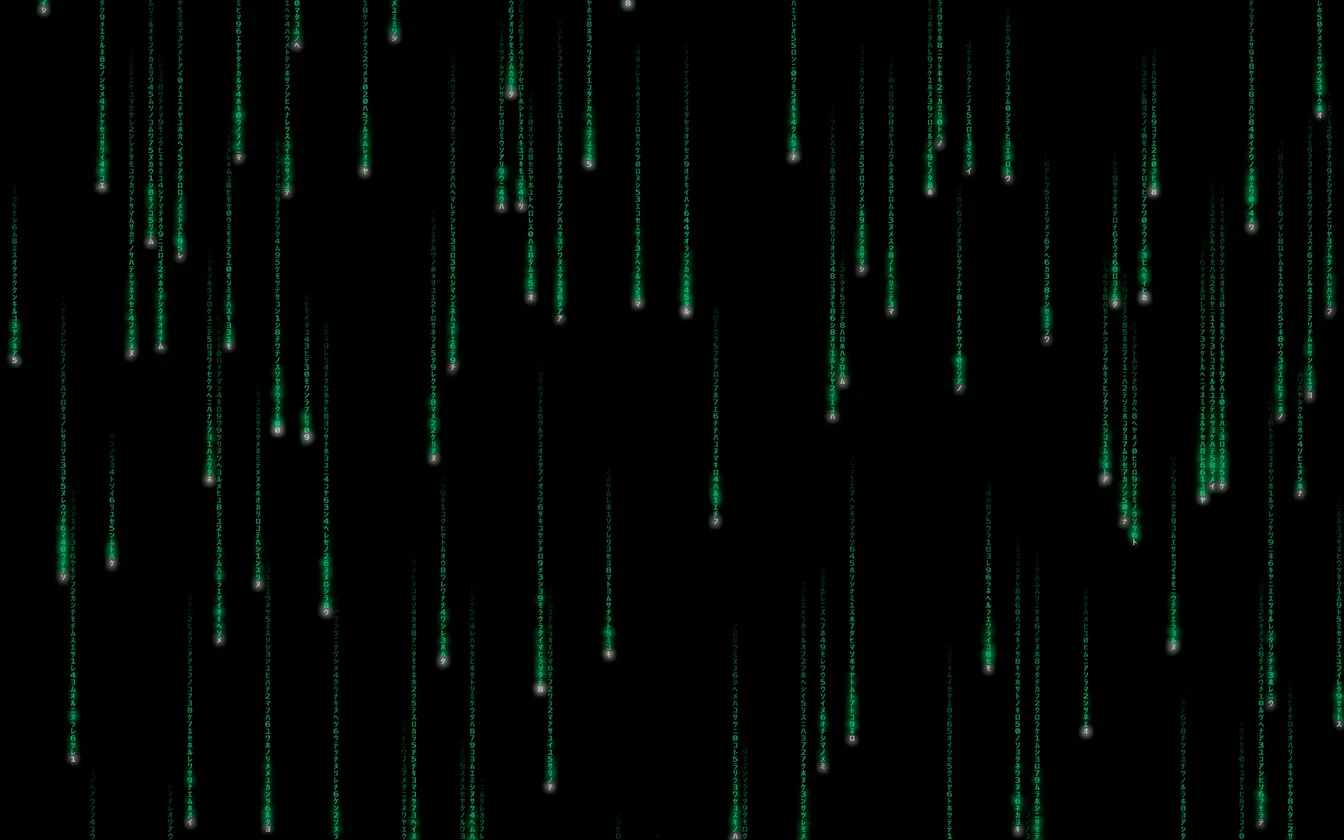
The default look is deliberately calmer than the movie — thin trails on near-black. If you want it denser or brighter, that’s two sliders in settings.
Code Rain — free, with a catch
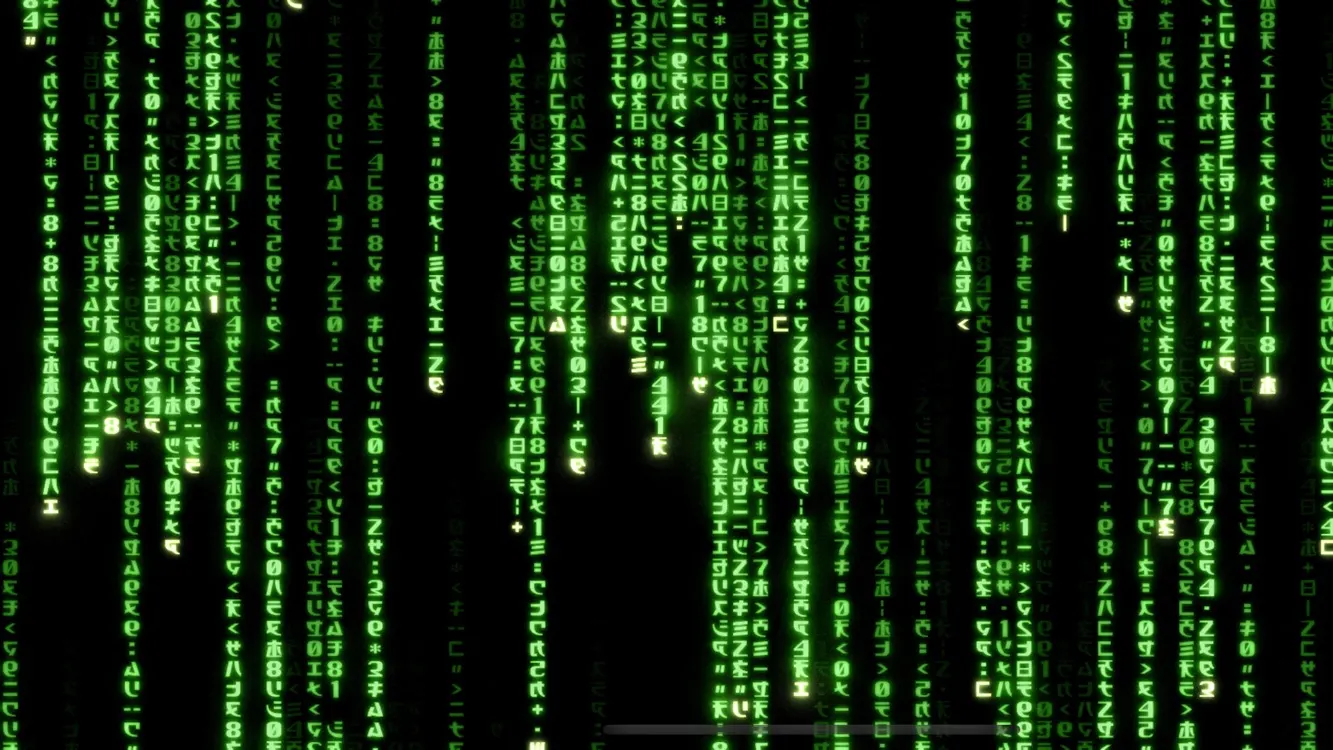
Code Rain is an iPhone/iPad app that Apple Silicon Macs can install from the Mac App Store. Its listing calls it “a digital code rain effect simulator”, and that’s exactly what you get: a dense, movie-bright rain playing in an app window or fullscreen. The base version is free, with a Pro tier available as an in-app purchase. The developer states it needs no internet and collects no data. The catch: because it’s an iPad app in a window, it can’t sit behind your desktop icons — it’s something you open and watch, not a wallpaper.
True screensavers: the .saver route
A screensaver only shows up when the Mac idles, which is either the point or the dealbreaker. macOS hasn’t shipped anything rain-like of its own, so this is .saver bundle territory.
Matrix.saver by Monroe Williams — free
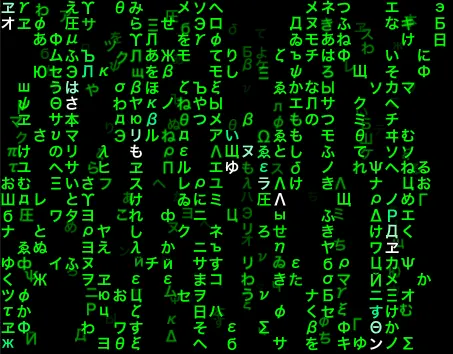
The developer has been tinkering with this screensaver since roughly 2002, and it’s aged remarkably well: current builds run on both Intel and Apple Silicon and let you switch between OpenGL and Metal renderers. Install is old-school — unzip, double-click the .saver file, pick it in System Settings → Screen Saver.
One caveat worth knowing, documented in the project’s own release notes: macOS has a
long-standing bug where legacyScreenSaver, the process that hosts every
third-party screensaver, slowly grows its CPU and memory use each time the saver kicks
in. The bug’s been reported to Apple for years and remains unfixed; Matrix.saver 1.1.5
ships a workaround that simply exits the process when the screensaver stops. It handles
the bug about as gracefully as a .saver can — but the plumbing itself is why some of us
avoid screensavers entirely. If it’s already happening on your Mac, here’s
what’s known about legacyScreenSaver and what to try.
Older projects like RedPill and matrixgl still float around search results. Both predate modern macOS by a stretch, so expect friction if you try them on current systems.
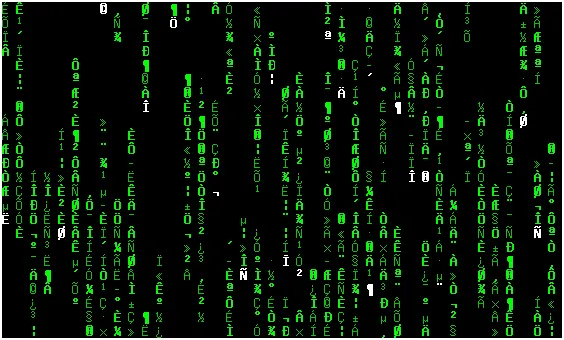
In the terminal: cmatrix
If your Mac has Homebrew,
you’re one command away: brew install cmatrix, then cmatrix.
Version 2.0 is in Homebrew right now. It fills the terminal window with the classic
cascade — q quits, -b adds bold glyphs, -a makes
the scroll asynchronous. Make the terminal fullscreen and you’ve built a poor man’s
screensaver in about eleven seconds.
In your browser: Rezmason’s web Matrix
The most faithful reproduction of the film effect anywhere is a free web page — open source, WebGL, with variants for each Matrix film. Zero install: open the link, go fullscreen, done. We took the screenshot below in an ordinary browser tab.
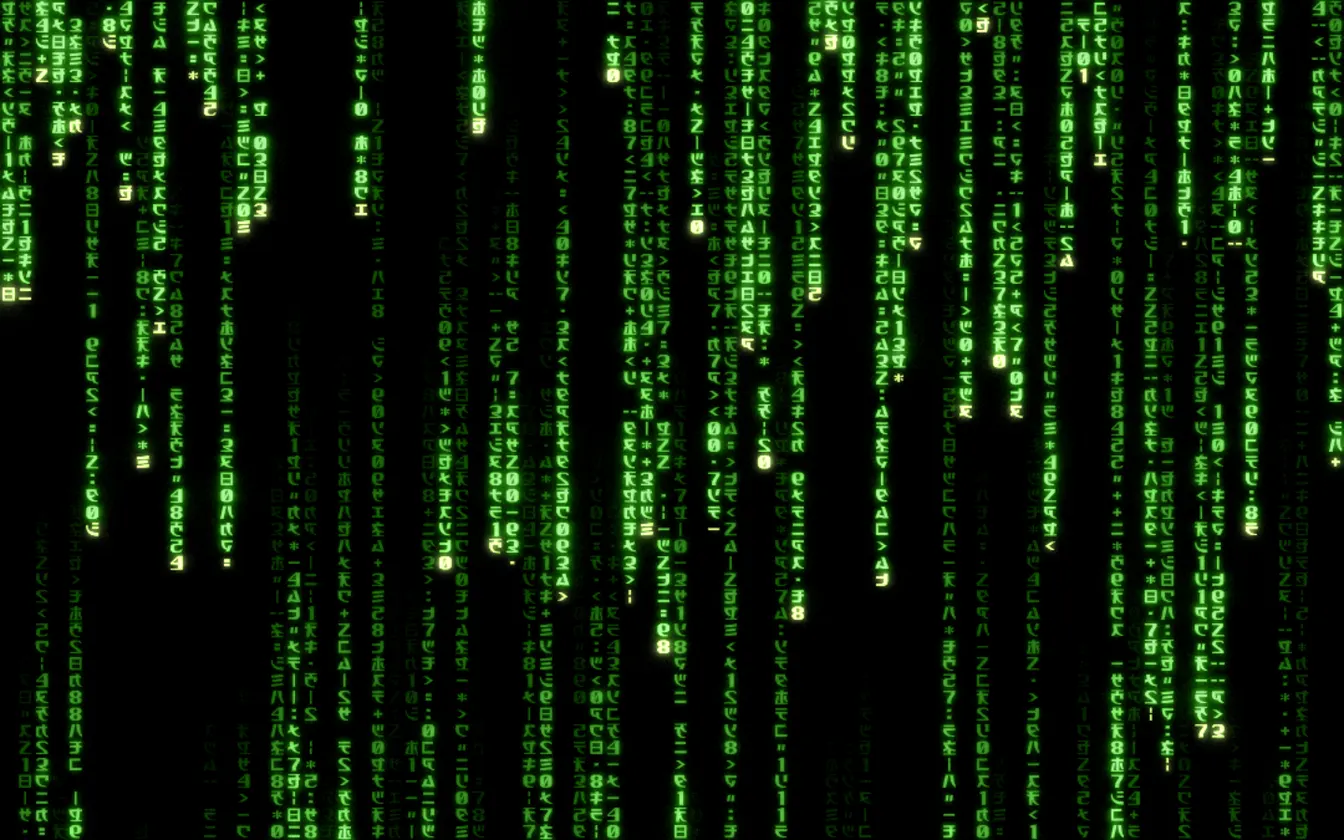
It lives and dies with the tab, though. Utilities that pin a web page behind your desktop icons can turn it into a free wallpaper — the trade-off is a full browser engine running all day to draw it, which is exactly the overhead a native Metal renderer exists to avoid.
Which one should you pick?
- Free and only when idle → Matrix.saver.
- You live in the terminal → cmatrix.
- Zero install, movie-accurate, right now → Rezmason’s web page.
- An occasional fullscreen fix → Code Rain, free.
- Always-on wallpaper that stays light → RainGlyph, $2.99. We’re biased — that’s the exact gap we built it for.
Questions about RainGlyph itself — modes, requirements, refunds — live on the support page.
FAQ
Does macOS have a built-in Matrix screensaver?
No. macOS ships with aerial and abstract screensavers, but nothing resembling digital rain. Every option in this guide — wallpaper apps, .saver bundles, cmatrix, the browser version — is third-party.
What’s the difference between a live wallpaper and a screensaver?
A live wallpaper runs while you work: it stays behind your desktop icons, and clicks pass straight through to them. A screensaver, though, only shows up once your Mac has been idle for a while. RainGlyph and web-page-as-wallpaper setups are wallpapers; Matrix.saver is a true screensaver.
Will an animated Matrix wallpaper drain my battery?
Any animation costs something, but the renderer matters. RainGlyph draws through Metal at about 30 fps and stays at single-digit CPU on Apple Silicon. A web page pinned as a wallpaper keeps a whole browser engine running instead. Third-party screensavers carry their own tax: a long-standing macOS bug makes the legacyScreenSaver process grow its CPU and memory use over time.
Is there a completely free way to get Matrix rain on a Mac?
Yes, several. Matrix.saver won’t cost you anything as a screensaver, and neither will cmatrix as a terminal toy. Rezmason’s web Matrix runs in any browser at no cost, and Code Rain’s base version is free too. RainGlyph is the one that costs money — $2.99, for a native, always-on wallpaper with a light footprint.
Does RainGlyph collect any data?
None. No network calls, no analytics, no telemetry — preferences live in local macOS UserDefaults and never leave your Mac. The App Store privacy label reads “Data Not Collected” in every category.